

Fireplace Automation: New
 Straight steel fireplace inserts
 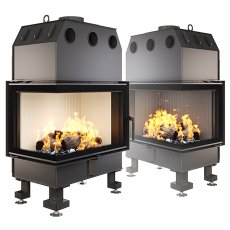 Corner steel fireplace inserts
  Fireplace inserts with guillotine
 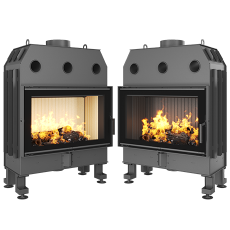 Steel fireplace Balance
 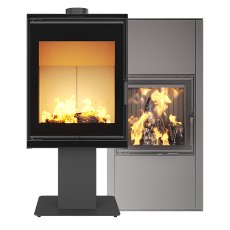 Steel fireplace stoves
 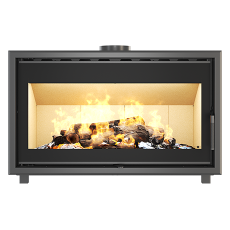 Fireplace cassette insert
  Cast iron fireplaces and stoves KAWMET
 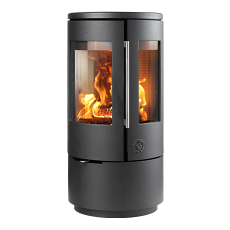 Cast iron stoves MORSO
 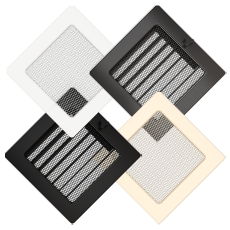 Fireplace ventilation grilles CLASSIC
 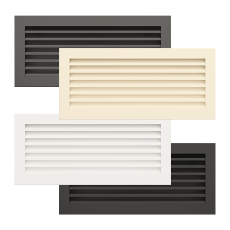 Fireplace ventilation grilles HIDE
  Fireplace ventilation grilles LOFT
  Fireplace ventilation grilles LOFT ANGLE
 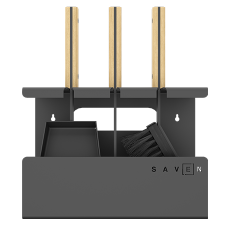 Accessories
  Chimneys
  Decorative frames
 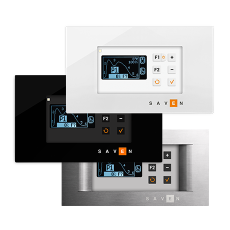 Fireplace Automation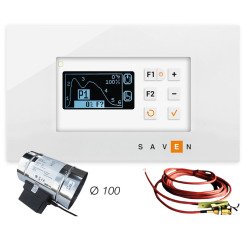
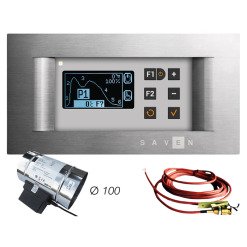
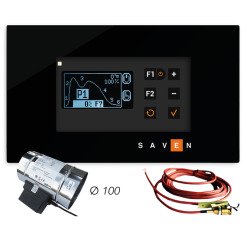
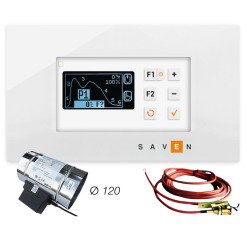
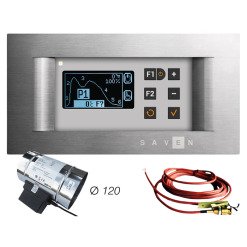
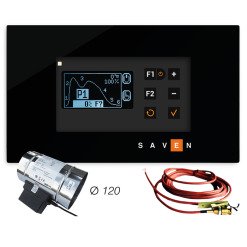
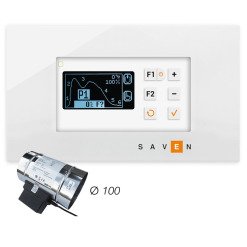
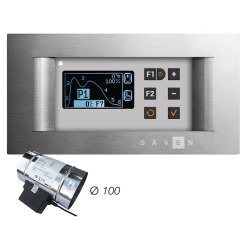
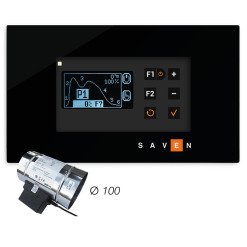
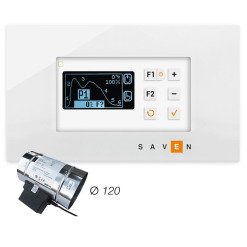
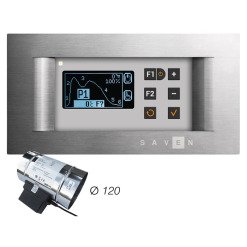
FAQ about fireplace automation
-
What is automatic fireplace control?
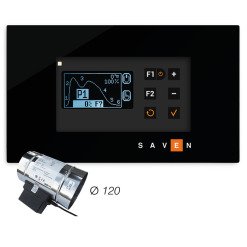
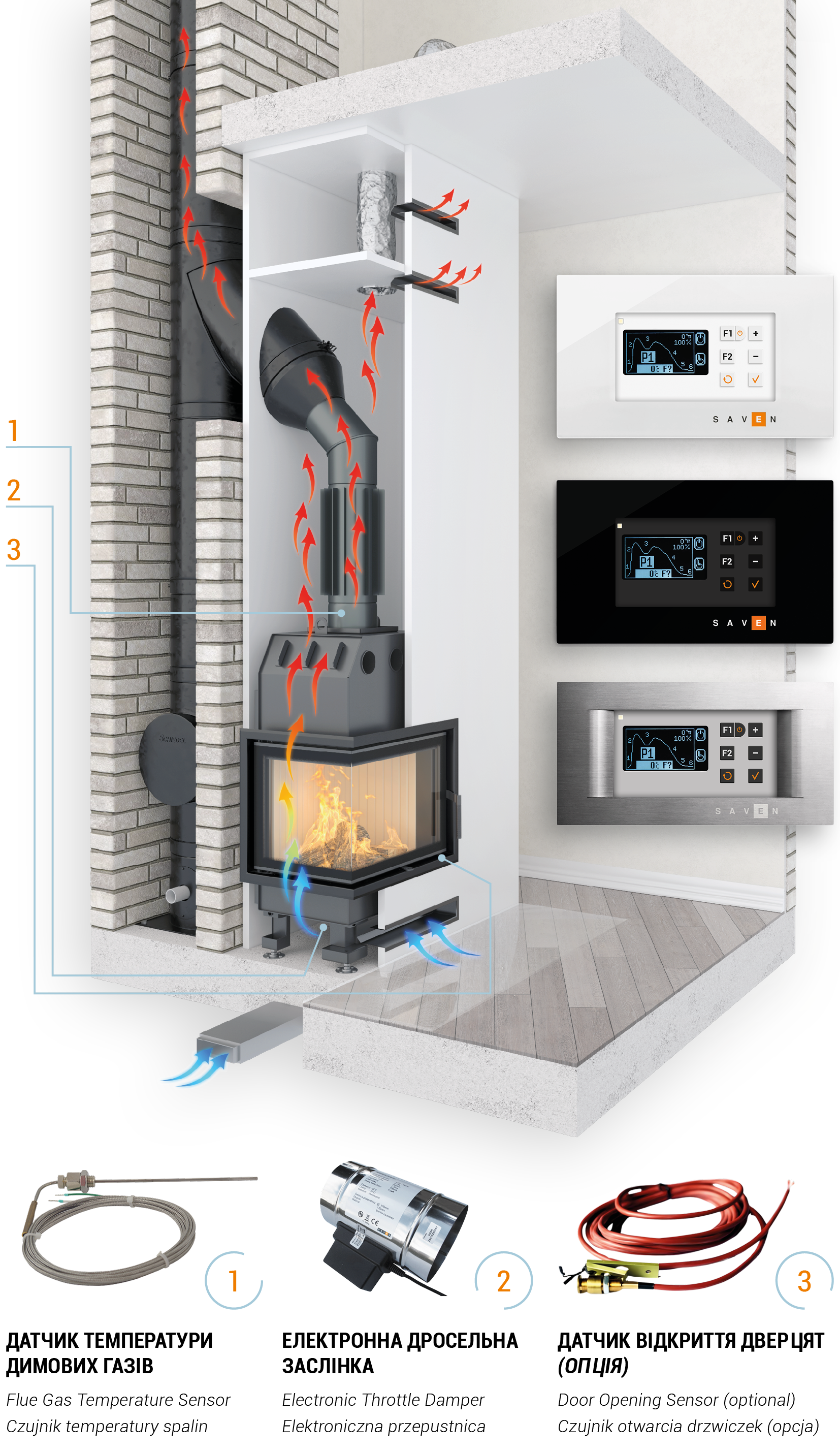
Automatic fireplace control is a smart system that optimizes the combustion process in fireplaces and stoves without constant user intervention. It regulates the air supply, analyzes the temperature in the combustion chamber and optimizes each stage of the combustion process to achieve maximum efficiency and comfort. The user only needs to load firewood and select the desired operating mode on the control panel.
-
What are the main functions of an automatic combustion optimizer?
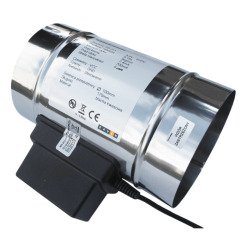
Air supply control. The device automatically opens or closes the throttle depending on the temperature in the combustion chamber. Combustion phase control. The automatic system divides the combustion process into several phases: ignition, main combustion, smoldering and ventilation. Safety. The device can interact with carbon monoxide (CO) sensors, emergency open the damper in the event of a power outage and automatically turn off in the event of overheating.
-
Does automation reduce firewood consumption?
Yes, automation helps save up to 30% of fuel by optimizing air supply and extending the duration of each combustion cycle.
-
How is automation for fireplaces installed?
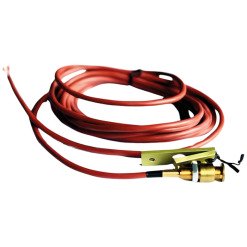
Automation must be installed by a qualified specialist. The process includes installing the damper, connecting the temperature sensors and control unit to the power source, and testing the system.
-
Can the automation be installed on an already working fireplace?
Yes, but it is difficult, especially if a convection box has already been installed. Installation requires access to the air intake and chimney pipe, which may require dismantling part of the structure. It is recommended to contact a specialist to assess the possibility of installation.
-
Is the automation suitable for any type of fireplace?
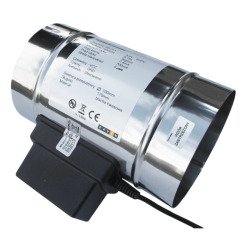
The automation is suitable for most wood-burning fireplaces and stoves, provided that there is an air supply with a round flange with a diameter of 80 -120 mm. A throttle valve is installed on the flange to regulate the air supply.
-
What is the service life of fireplace automation?
With proper use and regular maintenance, automation can work for more than 10 years. Most models, including SAVEN AutoBurn, have protection against voltage surges and high quality standards.
-
What will happen to the fireplace with automation if the light goes out?
The automation is equipped with a backup power supply. Power outages of up to 8 seconds do not disrupt its operation. If the power outage lasts longer, the regulator turns off, and the air dampers open and the combustion process in the fireplace switches to manual mode.